Tag Archives: uConsole

uConsole and 5Ghz wifi

I posted this in the ClockworkPi Forum as well.

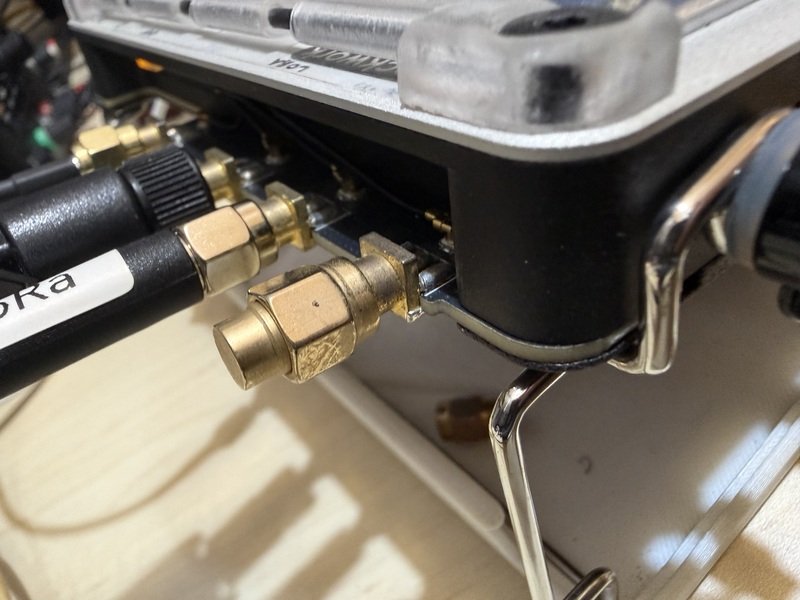
i had the issue of Ubuntu 22.04 not connecting to my 5Ghz wifi using the onboard CM5 device even though my other devices were connecting to it just fine. even after all the hardware mods with long antennas etc, i finally figured it out.

in Ubuntu at least, power_save must be off.
after loads of testing, this is the setting that would make it work reliabily.
you can set this up by using
$ sudo iw dev wlan0 set power_save off
or by using NetworkManager

$ sudo vi /etc/NetworkManager/conf.d/wifi-powersave.conf
[connection]
wifi.powersave = 2

Once that is done… Wifi would be stably connecting to 5Ghz thereafter.
Hope this helps someone.
New uConsole Back Plate

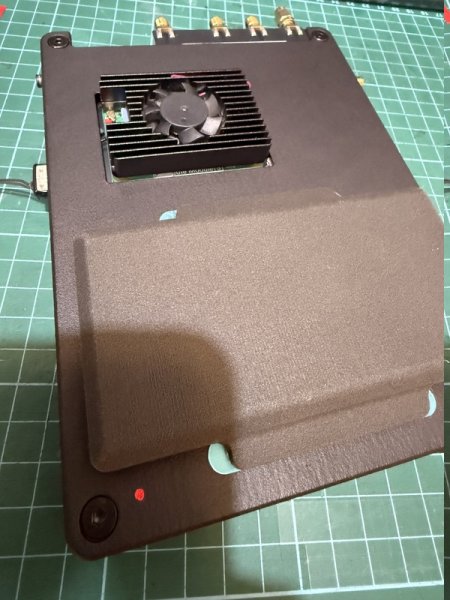
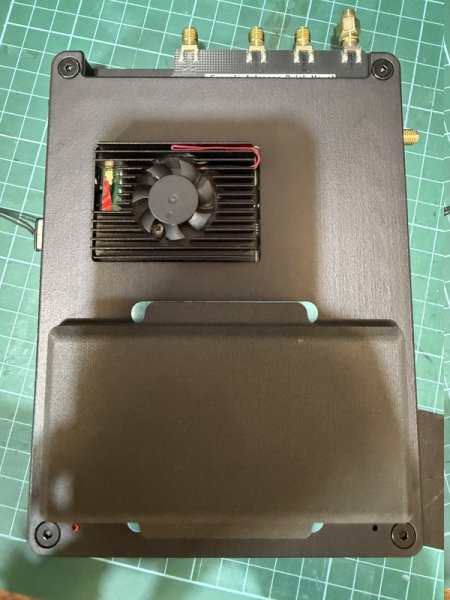
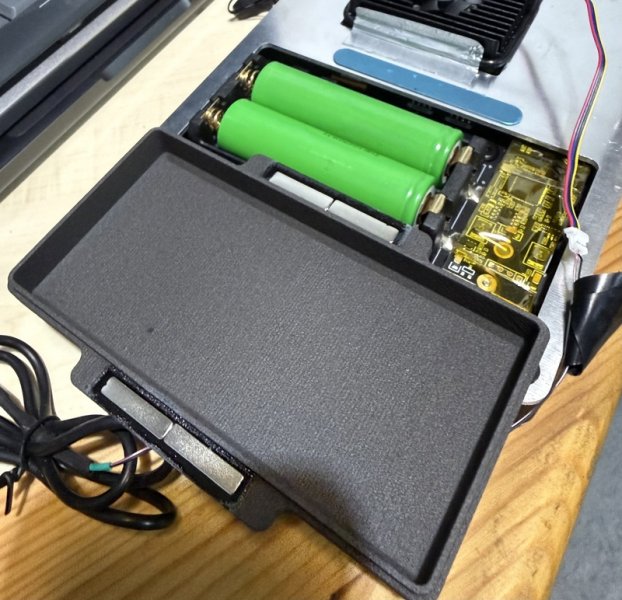
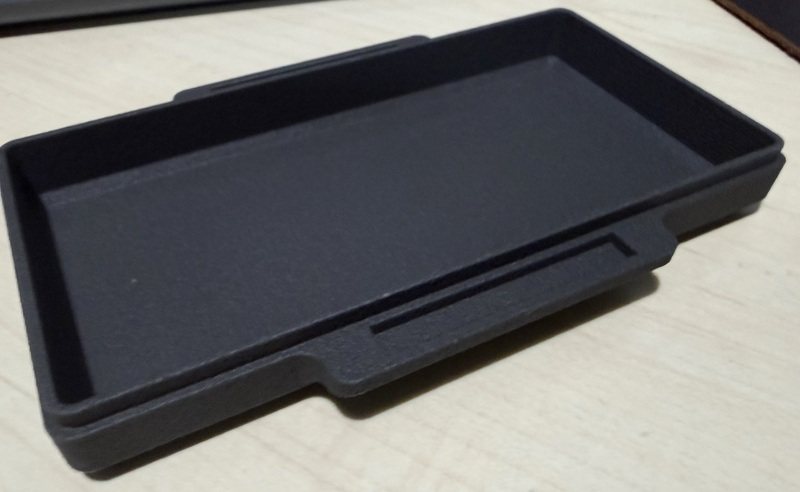
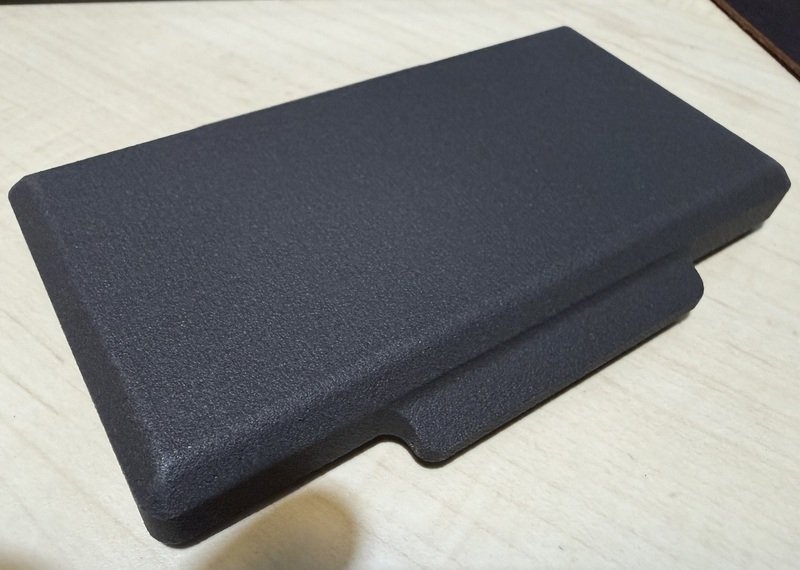
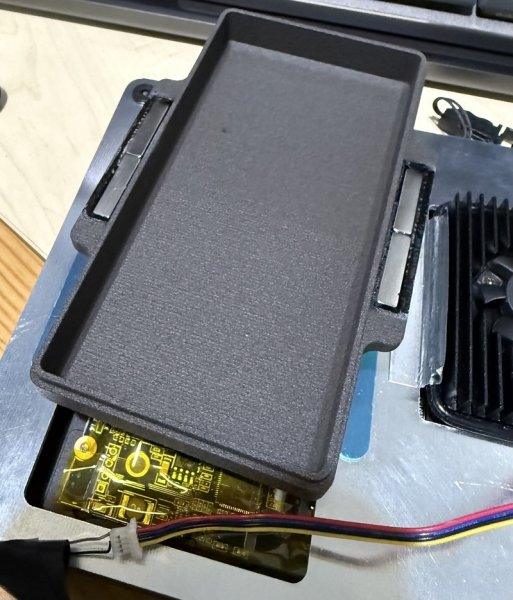
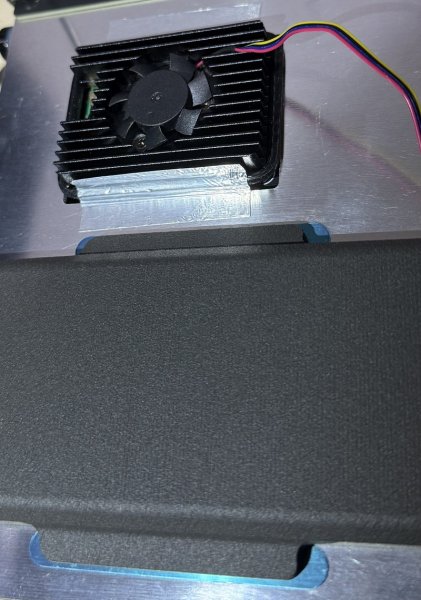
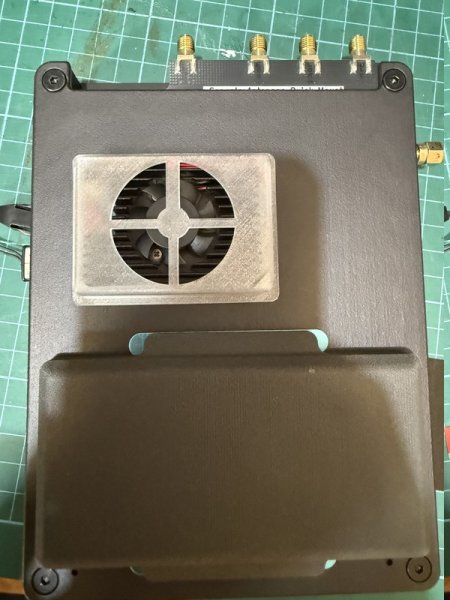
Received my newly designed back plate printed by JCL3DP. This time, i tried a new nylon material, and i am pleased. The PA12 -HP Nylon (MJF) has 175C temperature resistance and has so much more structural integrity, and surely stiffer. It feels great and the finish is smoother.

At 3mm thickness, the new backplate is stiffer and feels strong. Not as flimsy as 3201PA-F (SJS). The 3201PA-F also has a lower temperature deformity limit at 145C.

This newer back plate uses 3mm thickness around the borders to provide more strength/stiffness but is thinner at other areas down to about 2mm. i think for strength, 3mm is the right about. 2mm starts to feel a little flexi. But otherwise it still feels great.

The new STL file is posted at Thingiverse. Further notes are also available there.

The back plate works great with NVME board, Active cooling and AIOv2 board. I did drill a small hole (2mm) so that i can see the NVME light come through. The fan covers are also really neat. i took a bet and sent it for print without first prototyping in PLA. For its price, it turned out great.

How much did this cost? the back plate was US$4 and the fan covers were $0.50. Shipping was $1.50 but i had to wait 10 days.

uConsole Custom Designs

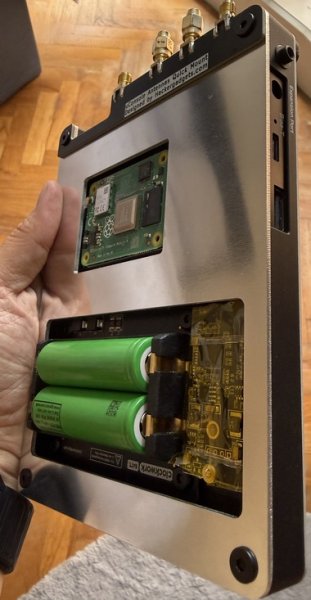
Made some mods to my hardware. The forums are a great resource over at clockworkPi.

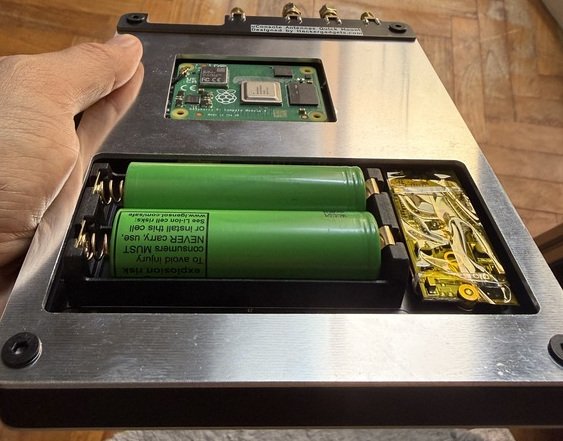
As i am awaiting my hackergadgets kit for the new adapters meant for CM5, i made some hardware mods to accomodate the potential increase in heat. At the same time, also designed some casing improvements to my unit.

  1. Screen cover: https://www.thingiverse.com/thing:7206323ClockWorkPi Forum Post
  2. Back Plate and cover: https://www.thingiverse.com/thing:7197472ClockWorkPi Forum Post

Do note that i used PLA only to prototype. i have found that the heat deflection temperature of 58 degrees to be insufficient. So i ultimately printed at JCL3DP.com as it allowed me to pick materials such as Nylon which had a deflection temp of 158 degrees.

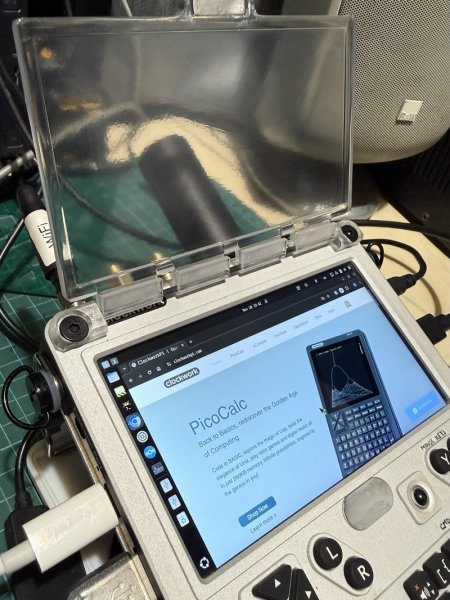
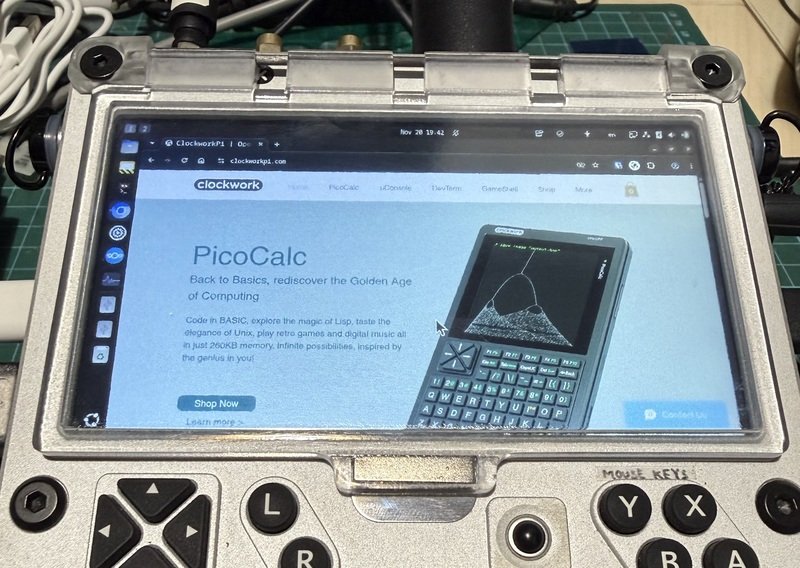
Printing the screen cover in transparent resin is also very cool. i can now peek at my screen without exposing my unit to dust.

Some pictures here to share.

uConsole + Ubuntu 24.04 + Geary

Bought a uConsole from ClockworkPi and have been enjoying it. I have made some post into the forums there and thought that perhaps i should post here as well.

Copying the post that i made there.

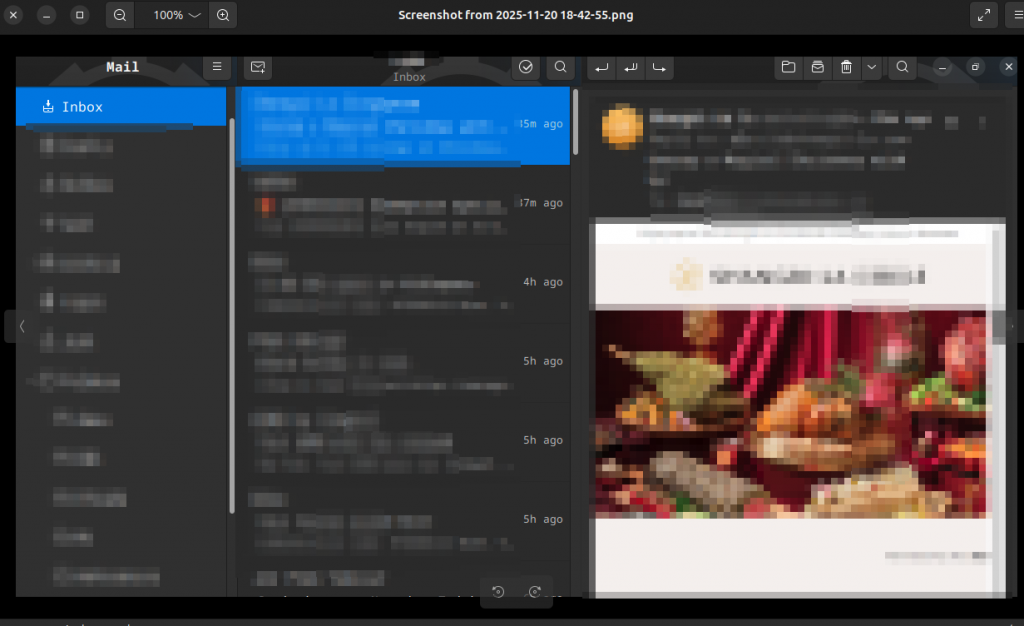
FWIW. I have been using @Rex’s wonderful image for Ubuntu 24.04 on my uconsole. and its been working great. However, when using the Geary (v44) email client, it doesn’t seem to leverage the 3 panel view that i get when using Greay on a larger monitor.

As such, i have rebuild a git build of Geary (v46), which supports 3 panel view on small screens, and tweaked the UI a little to provide a better proportion of the panels for uConsole. I have packaged this into a deb file which can be installed along side the Stock Ubuntu Geary build. i don’t have a repo for it (yet?), but happy to share the deb file to anyone who is interested.

Clearly, at this point, i have not made a repo for it. i am not sure if i am capable for maintaining a package long term. But this deb file is really to solve an issue i was facing with Geary and small screens and wanting the latest v46 which solves the issue.

So i’m uploading the file here so folks can just download it. Simply just do

sudo apt install ./geary-custom……

This will then install geary-development into /usr/local and run along side the stock install of geary, just in case you still want that. The resulting interface will be the familiar 3 panel which i have grown to love.

Hope someone enjoys this too!